You can buy any Makiga machine directly from our website. Here is how the process works from start to finish.
1. Choose your machine. Open the Products page and browse by category, or use the search button in the top menu. Each product page shows photos, a description and the current price. If you are unsure which machine fits your project, our article on choosing the right machine is a good place to start, or you can contact us for advice.
2. Add it to your cart. Click Add to cart. A message confirms the item was added, and the cart icon in the header shows how many items you have. You can open the cart at any time to change quantities or remove items.
3. Check out. From the cart, go to checkout and enter your contact and delivery details. Prices can be shown in Kenya shillings or US dollars using the KES / USD switch at the top of the site.
4. Pay. Depending on what is enabled for your location, you can pay by M-Pesa, by card through PayPal, or arrange payment when you order through WhatsApp.
5. Track your order. If you created an account, your orders appear under My Account, where you can follow progress and reorder later.
For large or project orders, request a formal quotation instead. See our guide to getting a quotation.
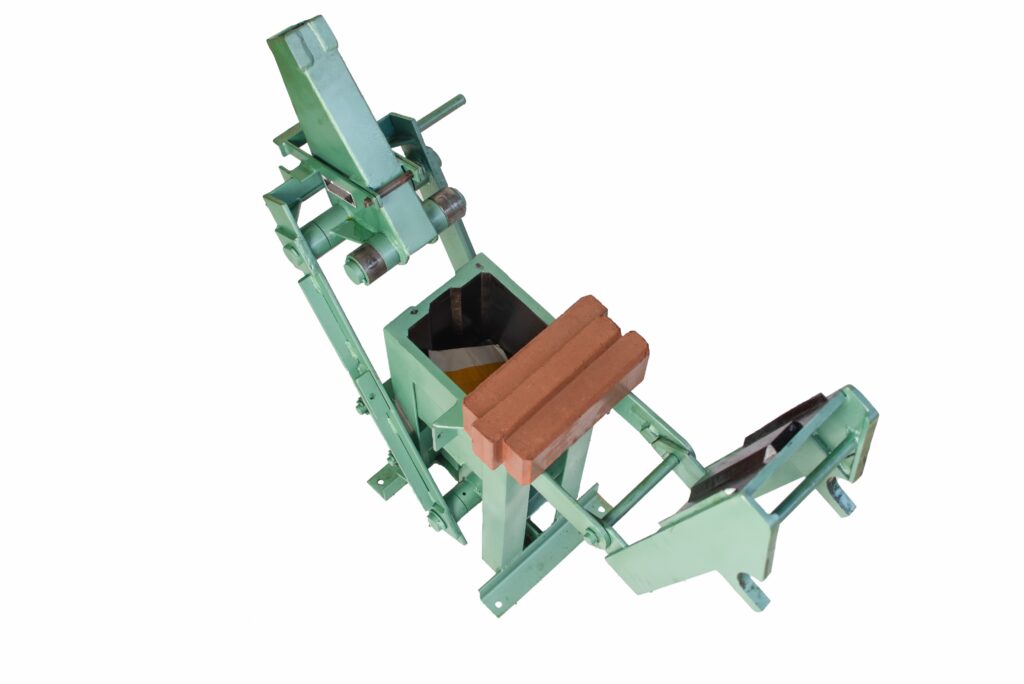
Buying Guide
Makiga Engineering
05 Sep 2026
How to Order a Makiga Machine Online
Buying a Makiga machine online takes a few minutes. This step-by-step guide walks you through choosing a machine, checking out and paying.
Related Products
Explore the machines mentioned in this article
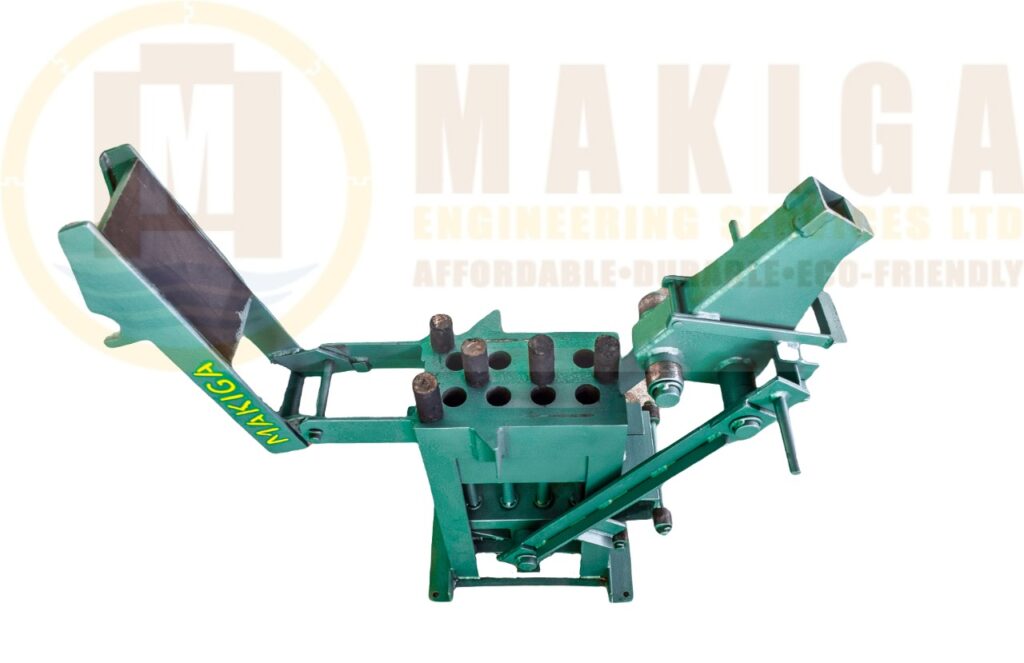
Charcoal Briquette Press Machine
KES 135,000.00
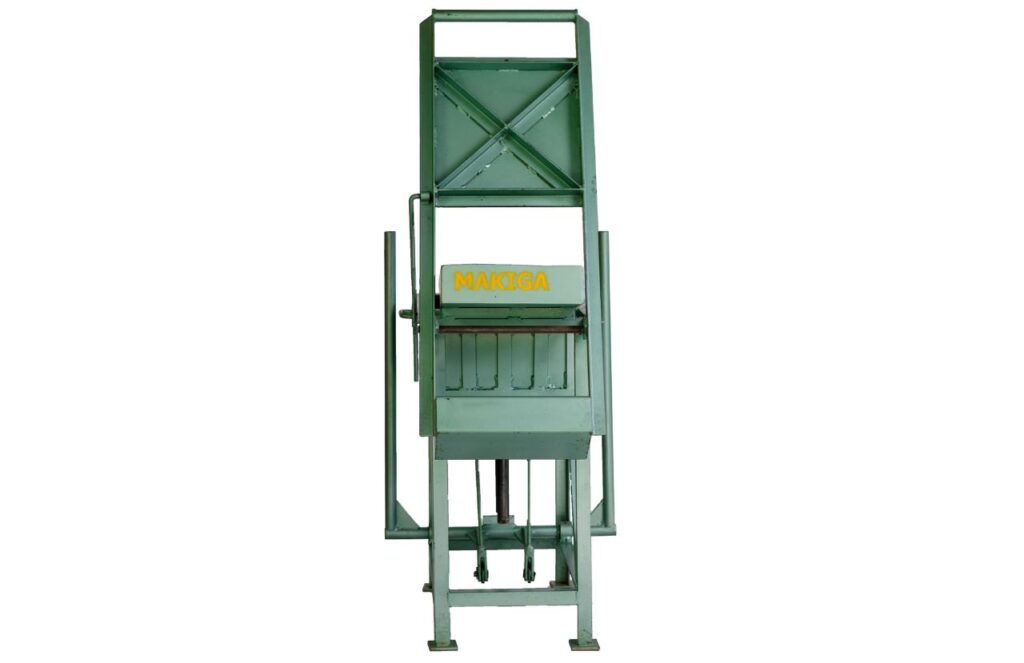
Makiga Block Master
KES 74,774.00
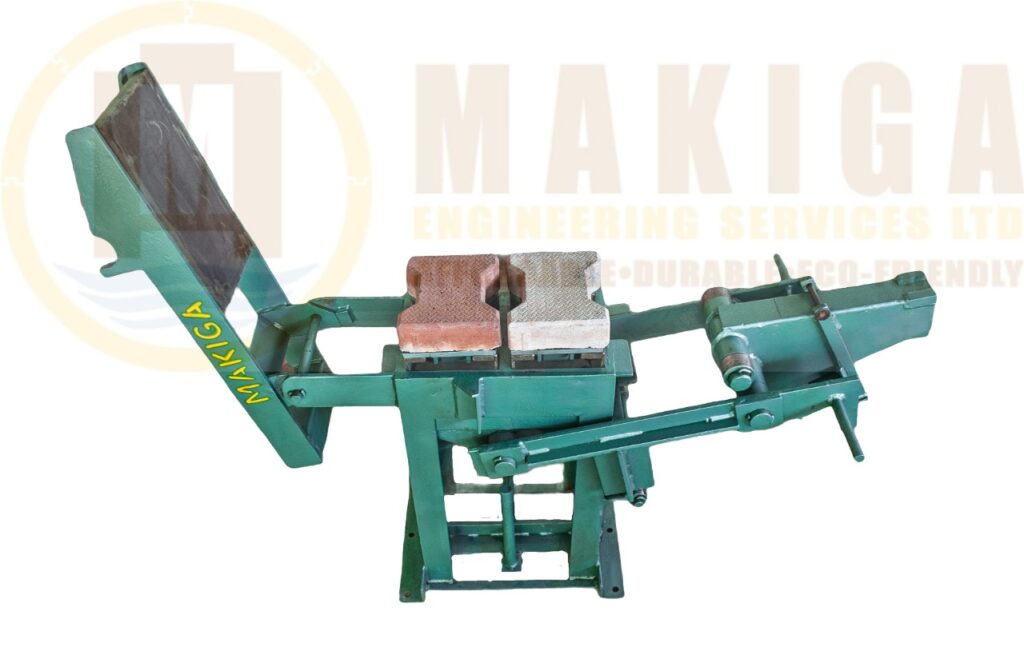
I-Shape Paving Block Press
KES 145,000.00
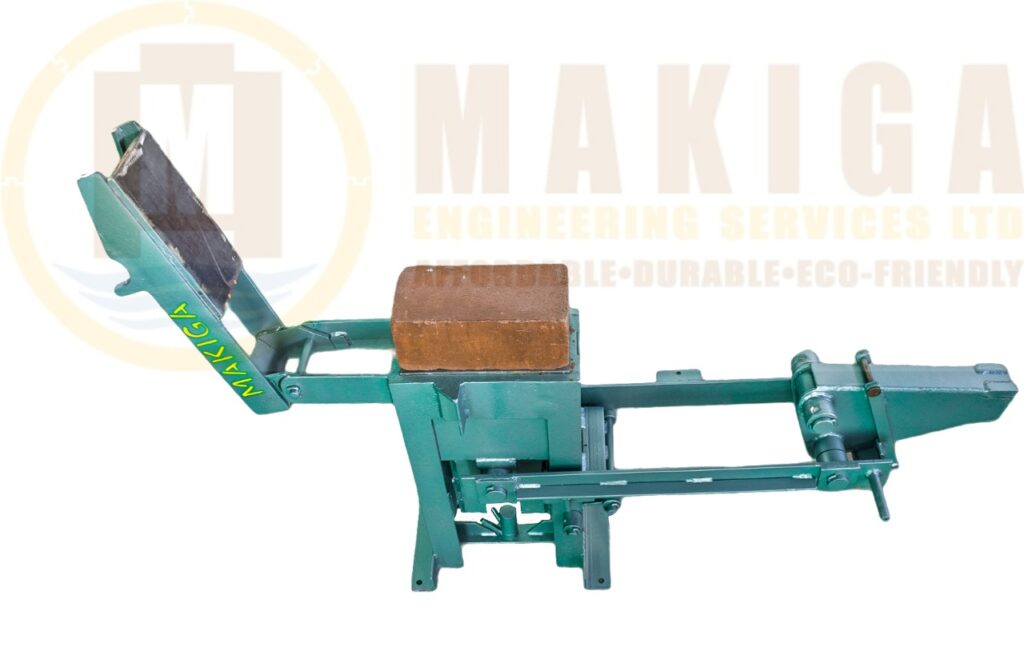
Standard Non-Interlocking Soil Bloc...
KES 135,000.00
Interested in our machines?
Explore our full range of construction machines and start building better today.
View All Products Book a Visit